The Role of VPNs in Accessing Educational Resources
Contents
- Understanding VPNs: The Basics
- How a VPN Protects Your Connection
- What a VPN Doesn't Do
- Student Benefits
- Off-Campus Access to Library Resources
- Personal Data Protection on Public Wi-Fi
- Respect School and Local Rules
- Advantages for Educators
- Sharing Resources Safely
- Reaching Research Databases Remotely
- Security Against Cyber Threats
- Advantages for Online Students
- Privacy for International Learners
- Reliable Access to Course Platforms
- Secure Collaboration
- VPNs in Education Networks
- Remote Learning
- Looking Ahead
- Concluding Remarks
- Sources
Students search research databases, teachers share materials, and online learners join courses from around the world. A VPN can help them reach these resources more securely, and many universities provide one for exactly that reason.
Indeed, research indicates that a significant portion of VPN users are highly educated, with 32% holding postgraduate degrees and an additional 28% having university degrees. Those figures come from a 2018 GlobalWebIndex survey.
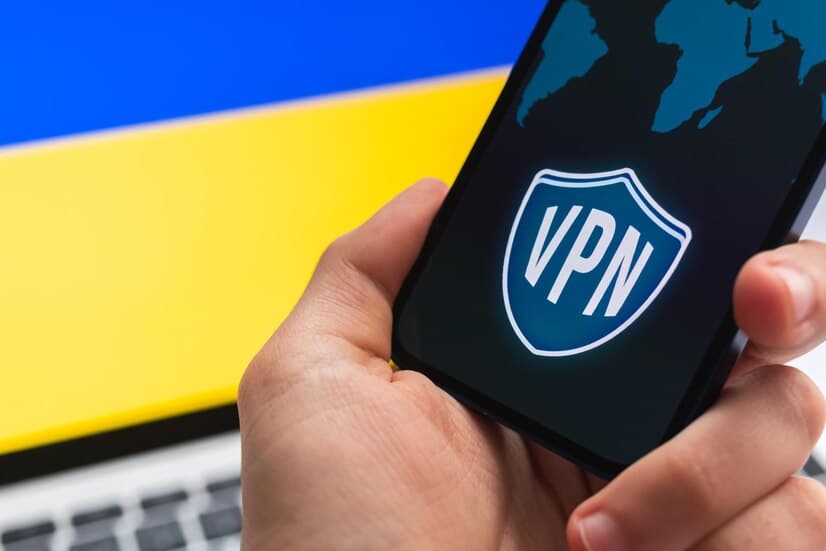
This guide explains what VPNs (Virtual Private Networks) do in education, what they don't do, and how to use them responsibly.
Understanding VPNs: The Basics
How a VPN Protects Your Connection
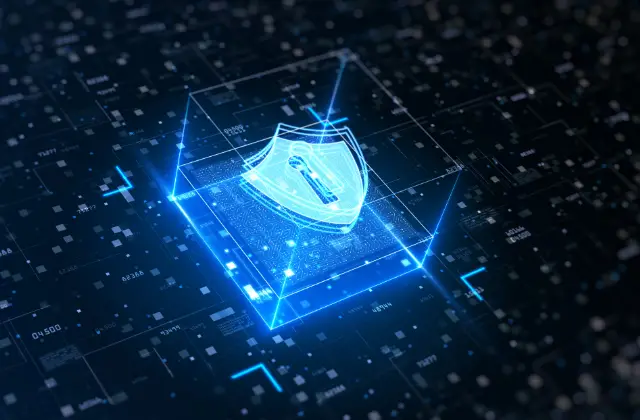
A VPN encrypts the traffic between your device and the VPN server, so people on the same network can't read it. Websites see the VPN server's IP address instead of yours.
Especially in educational settings where privacy matters, a VPN like VeePN works like an armored vehicle for your data in transit, and it keeps your real IP address private from the sites you visit.
What a VPN Doesn't Do
A VPN doesn't make you anonymous or protect you from phishing, malware, or fake websites. The FTC notes that scammers can build encrypted fake websites, so a secure connection doesn't make a site legitimate.
Use a VPN alongside strong passwords, multi-factor authentication, and updated software.
Student Benefits
Off-Campus Access to Library Resources
Many colleges license journals and databases only for their own students and staff. Schools such as UC Davis require a library VPN to reach these licensed resources from off campus.
Other schools use a library proxy or a single sign-on service instead, so check your library's off-campus access page first.
Personal Data Protection on Public Wi-Fi
Students often use public Wi-Fi on campus and in cafes. Most websites already encrypt traffic (look for https), and the FTC says public Wi-Fi is usually safe for that reason. A VPN adds a layer of encryption for everything else your device sends.
Respect School and Local Rules
Some schools block certain sites on their networks, and some countries restrict VPN use. Using a VPN to get around those rules can break your school's acceptable-use policy or local law, so check the rules first.
Advantages for Educators
Sharing Resources Safely
Teachers create and share materials every day, often over school and home networks. A VPN encrypts that traffic in transit, which helps when working on untrusted networks.
Reaching Research Databases Remotely
Faculty working from home or traveling can use their institution's VPN to reach the same licensed databases and internal systems they use on campus.
Security Against Cyber Threats
A VPN is one layer of protection for personal and institutional data. It works best as part of a wider security plan that includes MFA and regular updates.
Advantages for Online Students
Privacy for International Learners
Online courses enroll students from many countries. A VPN can protect their traffic on shared or public networks.
Reliable Access to Course Platforms
Students can use their school's VPN to reach e-learning portals and research databases that are limited to campus networks.
Secure Collaboration
Group projects and research collaborations depend on sharing files. A VPN encrypts that traffic in transit, which adds protection when team members work from different networks.
VPNs in Education Networks
Remote Learning
Remote learning depends on reliable, secure connections. Institutional VPNs let students and teachers reach campus systems from anywhere.
Looking Ahead
As schools move more systems online, secure remote access tools like VPNs remain an important part of protecting data.
Concluding Remarks
VPNs give students and teachers a more secure connection to educational resources, especially off campus and on public Wi-Fi.
The best place to start is your own school's library or IT department, which can tell you whether you need its VPN to reach licensed resources.
Sources
- The Library VPN, UC Davis Library
- Are Public Wi-Fi Networks Safe? What You Need To Know, Federal Trade Commission