Leveraging VPN Technology for GRE Exam Success
Contents
Introduction
With the rise of digital platforms, studying for tests like the GRE has never been easier. Students can now find study materials, practice questions, and practice tests online.
However, studying online comes with its own issues, such as privacy on shared networks and sites that aren't available everywhere.
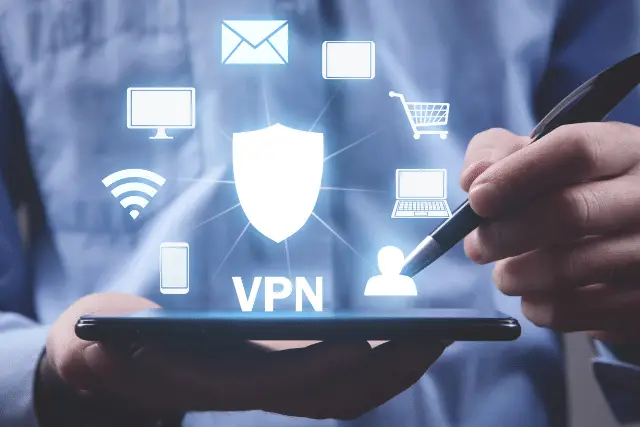
This is where a Virtual Private Network (VPN) comes into play. You can use VPN providers to add privacy to your GRE preparation. Here's what a VPN can and can't do for your GRE study.
Accessing Study Resources While Traveling
A VPN lets you connect through a server in another country, which hides your IP address from the sites you visit. Students who travel or study abroad sometimes use one to reach the same sites and accounts they use at home.
Before you do, check the terms of service of any study platform. Some sites restrict access by region on purpose, and using a VPN to get around that may break their rules.
The official GRE materials from ETS, including free practice tests, are available to test takers worldwide, so you don't need a VPN to get them.
Ensuring Secure and Private Study Sessions
You should protect your privacy and security when you study online. Antivirus software helps, but it doesn't cover everything.
On open Wi-Fi in libraries or cafes, a VPN encrypts the traffic between your device and the VPN server. That keeps other people on the network from seeing which sites you visit.
The risk is lower than it used to be: the FTC notes that because most websites now use encryption, connecting through a public Wi-Fi network is usually safe. A VPN is an extra layer, not a requirement.
Latency and Online GRE Practice Tests
Lag can make online practice tests frustrating. A VPN usually doesn't fix it, though: routing your traffic through an extra server tends to add latency, not reduce it.
If a practice test feels slow, try a wired connection or a closer Wi-Fi spot, and turn the VPN off to see whether it helps.
The At-Home GRE: Keep It Simple
If you take the GRE General Test at home, your computer and room must meet ETS's equipment and environment requirements. At-home testing is available around the clock, 7 days a week, and every test is monitored by a human proctor.
ETS's equipment check includes a bandwidth test. Run it with the same setup you will use on test day, and switch off any VPN, proxy, or remote-access software so nothing interferes with the proctoring connection.
ISP Throttling During Study Sessions
Some internet providers slow certain kinds of traffic, such as video streaming. Because a VPN hides what kind of traffic you're sending, it can sometimes get around this kind of throttling.
It won't help if your plan or network is simply slow, so don't expect a VPN to make an ordinary connection faster.
Enhancing Collaboration with Study Groups Worldwide
Working with study groups and peers from around the world can give you new viewpoints and tips for your GRE preparation. Most forums, video calls, and study communities work fine without a VPN.
Sharing study strategies, tools, and advice with classmates from other backgrounds can improve your preparation and grow your network.
Wrapping Up
A VPN can add privacy on shared networks and help when you're traveling. It won't lower latency, speed up a slow connection, or improve your score.
What matters most is steady study with official materials. Keep your setup simple, and follow ETS's rules if you take the GRE at home.
Sources
- Taking the GRE General Test at Home, ETS
- Are Public Wi-Fi Networks Safe? What You Need To Know, Federal Trade Commission