
Need More Privacy in Your Online Life? 9 Tips That Can Help
Contents
We all want to do things faster. But each connection to the internet reports to its own digital overlord. That includes the tech manufacturers, business associates, and advertising partners.
Increasingly, personal data finds its way to bad actors, where it can fuel fraud, identity theft, and cyber scams. Fortunately, it’s not that hard to be safer and more private online. It starts with small, basic steps.
Good Security Starts With Good Privacy
Digital security, or cybersecurity, means securing your devices and accounts against hackers or other unauthorized access. Privacy, on the other hand, means stopping people or companies (including Big Tech) from monitoring your activities.
Unfortunately, intimate digital data from web tracking and snooping has become so easily available that our lack of privacy is starting to endanger our cybersecurity.
3 Practical Daily Privacy Tips
Data breaches are far more common than people think. It’s not just big banks or powerful companies that get breached. Cybercriminals regularly breach smaller businesses because they have fewer cyber defenses. However, these three privacy tips can help you:
- Small businesses aren’t immune. Be cautious about sharing personal details with service providers like your gym or wellness spa, as they may lack strong cybersecurity.
- Think before you share. Avoid oversharing lifestyle habits or following random social media accounts that could expose personal data.
- Read before you agree. Privacy policies and terms explain how a company collects, uses, and shares your data, including for marketing.
6 Practical Daily Security Tips
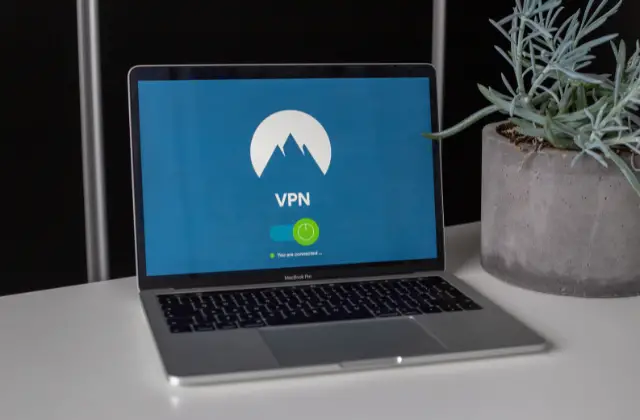
- Use a VPN (Virtual Private Network). A VPN encrypts the traffic between your device and the VPN server, which helps on public Wi-Fi and hides your browsing from your internet provider. It does not stop malware or phishing. For better privacy, you should install an Android or iOS VPN on each device. You can choose a different server location for different services. For example, you can connect to a server in your home city on your laptop for shopping. At the same time, you can find the best VPN and connect to a European city to live-stream sports games.
- Set up encryption on your devices. This step will lock away sensitive information like work files, emails, and texts. Encryption scrambles the contents of the files, making them indecipherable to someone who tries to read them without using the correct decryption keys.
- Install a good antivirus on each device. Also secure your home Wi-Fi router: change its default admin password and keep its firmware updated.
- Review your login and password habits. You know your passwords should be long, strong, and complex. Sadly, that also makes it almost impossible to remember them. Use a good password manager to help you.
- Add two-factor authentication (2FA). A second step, such as a code texted to your phone or generated by an authenticator app, means a stolen password alone can't open your account, as CISA explains. A physical security key is another option.
- Turn on automatic updates on all your devices. Many updates fix security risks, so CISA recommends turning on automatic updates.
Pump up Privacy Measures To Enhance Your Digital Security
Every day, we share a large amount of personal data online. Each interaction is an opportunity for a hacker or fraudster to snatch our login details and other sensitive information.
Fortunately, basic measures can go a long way. For better cybersecurity, get an antivirus, VPN, and password manager and make them a routine part of your day.
Sources
- Turn On MFA, CISA
- Update Software, CISA