
Unlocking the Potential: Passkeys for Students
Contents
Online technologies are redefining the way students learn. Whether you’re practicing for a GED test or attending virtual classes, much of school now happens online.
That brings one challenge worth addressing: password management. This is where passkeys come in.
What is a passkey? How does it work? And how can it benefit you? Let’s cover the basics.
What is a Passkey?
From online learning platforms to social media accounts, you’re probably dealing with a ton of passwords. You may have written them down or saved them on your phone so you can remember them.
Some people reuse the same password across multiple accounts, which isn’t advisable. Passkeys are designed to end that problem.
In a nutshell, a passkey is a digital sign-in credential that replaces a password. You don’t type letters, numbers or symbols. It gives you a passwordless login to a website, mobile app or other account.
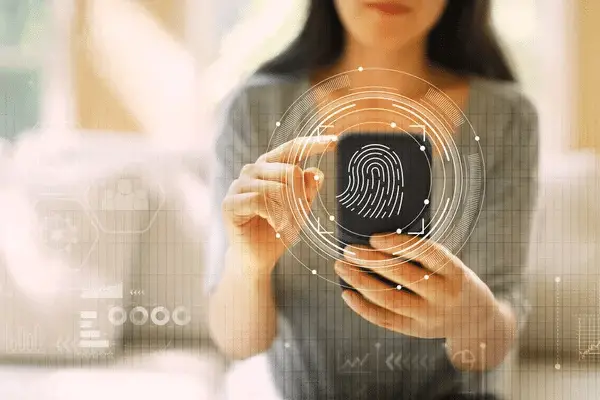
With passkeys, you approve the sign-in on an authenticator, such as your smartphone, laptop or a security key. You confirm it the same way you unlock that device: with a PIN, pattern, fingerprint or face scan.
Passkeys can be synced through a cloud service or password manager, so you can use them across your devices. Others, such as those on a hardware security key, are device-bound and never leave that device, according to the FIDO Alliance.
Passkey vs Password
What makes a passkey different from a password? The most obvious difference is that there are no characters to remember. That makes them more convenient, especially if you’re forgetful.
Passkeys are also built to be phishing resistant. Each passkey is tied to your account on one website or app, and there’s no secret for you to type, so a fake login page has nothing to steal.
Overall, passkeys offer stronger security than passwords for most accounts.
Reasons Why Students Should Use Passkeys
As a student, why should you bother with passkeys? Here are the main reasons to switch.
Streamlined Access
Picture this: You use TikTok and X (formerly Twitter) for entertainment. You have an Amazon account for online shopping. You use PayPal to pay for purchases. For school, you have a Microsoft account.
Imagine memorizing a different password for each one. With passkeys, you sign in to each account with the same device unlock, and synced passkeys follow you across your devices.
Phishing Protection
Passwords can be stolen through phishing, where a fake email or website tricks you into typing them. That is one of their biggest weaknesses.
Passkeys solve this problem. They use public-key cryptography, so there’s no shared secret for a fake site to capture or for attackers to reuse.
Biometric Security
Passkeys can use your device’s biometrics, such as a fingerprint or face scan, to confirm it’s really you. These identifiers are unique to each person, so they are hard to copy.
Your biometric data stays on your device. The website only receives confirmation that the check succeeded, according to the FIDO Alliance.
Reduced Downtime and Less Frustration
This might seem like a small thing, but passkeys save time.
How many times have you forgotten a password? Resetting it means requesting a link, checking your email, creating a new password, logging in again and updating your password manager.
With passkeys there’s nothing to forget, so you can spend more time studying.
Tips for Using Passkeys
Despite its many benefits, a passkey isn’t perfect. Some people worry about privacy when they use biometrics for authentication, although with passkeys the biometric check happens on your own device. If you can’t or don’t want to use biometrics, you can use your device PIN instead. The initial setup takes a little learning, but it isn’t complicated.
To make the most of passkeys, here are some things you can do:
- Update Your Device Regularly: This gives you the latest security features and a smoother experience.
- Use Trusted Devices: Set up passkeys only on personal devices that you trust and that only you can unlock.
- Secure Your Device: Your passkeys are only as safe as your device lock, so use a strong PIN or password on it.
- Delete Old Passkeys: Before selling or giving away a device, remove your passkeys and sign out of your accounts. Delete any passkeys listed on devices you don’t recognize.
- Review Access: From time to time, check the security settings of your accounts to see which passkeys and devices have access.
- Check Compatibility: Not all websites and apps support passkeys yet, so keep a strong password or another sign-in method for those.
Wrapping Up
Passwords are part of daily life. They keep accounts secure, but weak, reused or phished passwords are also the main reason accounts get compromised.
Passkeys are a safer and more convenient alternative. Set them up where they’re supported, and keep your devices locked and up to date.
Sources
- Passkeys: passwordless authentication, FIDO Alliance
- What is phishing?, IBM